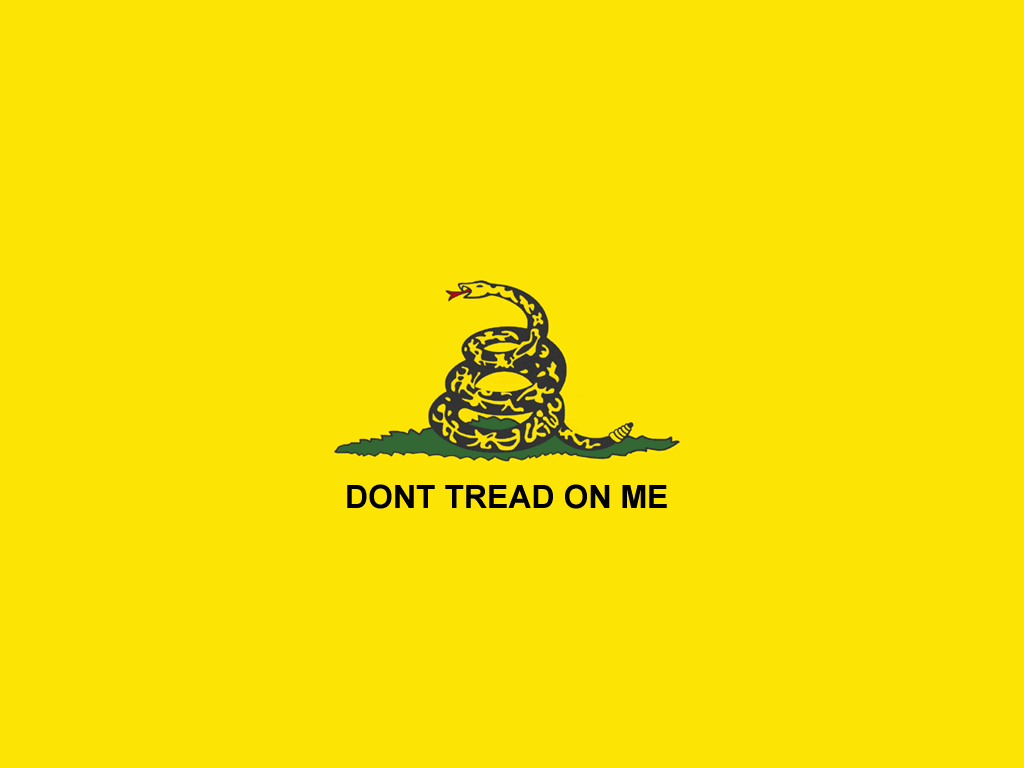
1152 × 864
The largest original wallpaper and the best starting point when your display is larger than the archived dimensions.
Open 1152 × 864 fileChoose from four classic 4:3 desktop sizes featuring the yellow rattlesnake banner. The original files are preserved for straightforward downloading and personal screen use.

Select the file closest to your display resolution, then use your device’s background settings to apply it.
These archived GIF files use the 4:3 aspect ratio common to earlier desktop displays. On a modern widescreen monitor, choose the largest version and select a fit or center option in your operating system.
The largest original wallpaper and the best starting point when your display is larger than the archived dimensions.
Open 1152 × 864 fileA standard XGA-sized file suited to matching displays or use as centered artwork on a larger desktop.
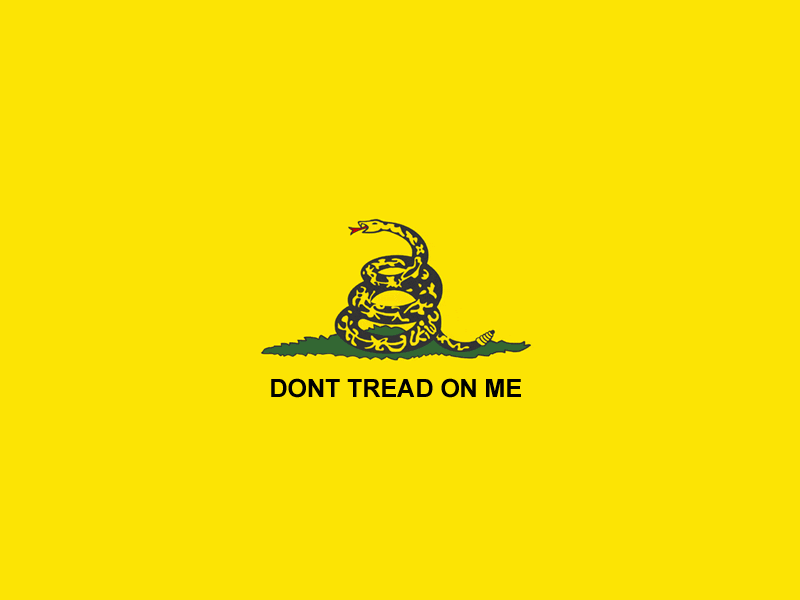
Open 1024 × 768 fileA compact version for older displays, small virtual desktops, or a centered background without enlargement.
Open 800 × 600 fileThe smallest archived edition, retained for period hardware and other low-resolution display settings.
Open 640 × 480 file
The wallpaper files were prepared for 4:3 monitors. Most current laptops and desktop displays are wider, so stretching the image to fill the screen may distort the rattlesnake and lettering.
For a cleaner result, begin with the 1152 × 864 file and choose Fit, Center, or the equivalent option. A solid dark or yellow background around the image generally preserves the original composition better than cropping it.
Browser and operating-system labels vary, but the basic process remains simple. Save the source file first so you retain an unmodified local copy.
Select the largest wallpaper that suits your screen and preferred layout.
Follow the file link to view the full-resolution GIF in your browser.
Use the browser’s save-image command and store the file on your device.
Apply it through display settings, avoiding stretch where possible.
The archive also retains a small repeating background graphic. Contemporary sites should apply it with CSS rather than the obsolete HTML background attribute.
Open and save the original repeating background image. To apply it to a web page, reference the locally hosted file with a CSS declaration such as background-image: url(...).
Wallpaper is intended for screens at set dimensions. For illustrations that can be placed into documents or adapted for other layouts, visit the dedicated visual-art resource.
Explore Gadsden clip artPractical notes about the file format, dimensions, visual quality, and respectful adaptation of this historical design.
Use the file that most closely matches your screen, or choose 1152 × 864 when your display is larger. Starting with the largest source gives your system more image data to work with.
They were made for desktop resolutions that were common when this collection was created. Modern widescreen displays usually require borders, cropping, or a fitted placement.
Choose Fit or Center rather than Stretch in your display settings. This keeps the snake and lettering at their intended proportions.
GIF was widely used for limited-color web graphics. The format suits the broad yellow field and dark artwork, although it does not provide the resolution flexibility of a vector file.
A separate small web-background file is available above. Host your saved copy locally and apply it through CSS so the page does not depend on an external image request.
The clip-art page contains additional visual resources. The history and symbolism sections provide context for understanding the elements before adapting them.
Send download issues, corrections, or accessibility feedback to Gadsden.